Mobile-first web design is the practice of building your website for the phone in your customer’s hand first, then scaling it up for tablets and desktops.
It sounds obvious in 2026. Yet I still open small business sites in Search Console and find a desktop layout squashed onto a phone: a homepage slider that takes four seconds to appear, a menu you need tweezers to tap, and a phone number buried in the footer.
I’m going to skip the theory. If you want the design basics, we’ve already covered them in our guide to designing for mobile-first, and the usual causes of a sluggish site sit in why your website is loading so slowly. This post covers the handful of changes that genuinely move the needle for an Australian small business: what Google reads, what customers feel, and what’s worth paying for.
The short version:
- Google ranks the mobile version of your site, so anything missing on a phone is missing from search.
- Three Core Web Vitals (LCP, INP and CLS) are your scorecard.
- Most of the gains come from seven targeted fixes, not a full rebuild.
- Speed is a small ranking factor but a big conversion factor.
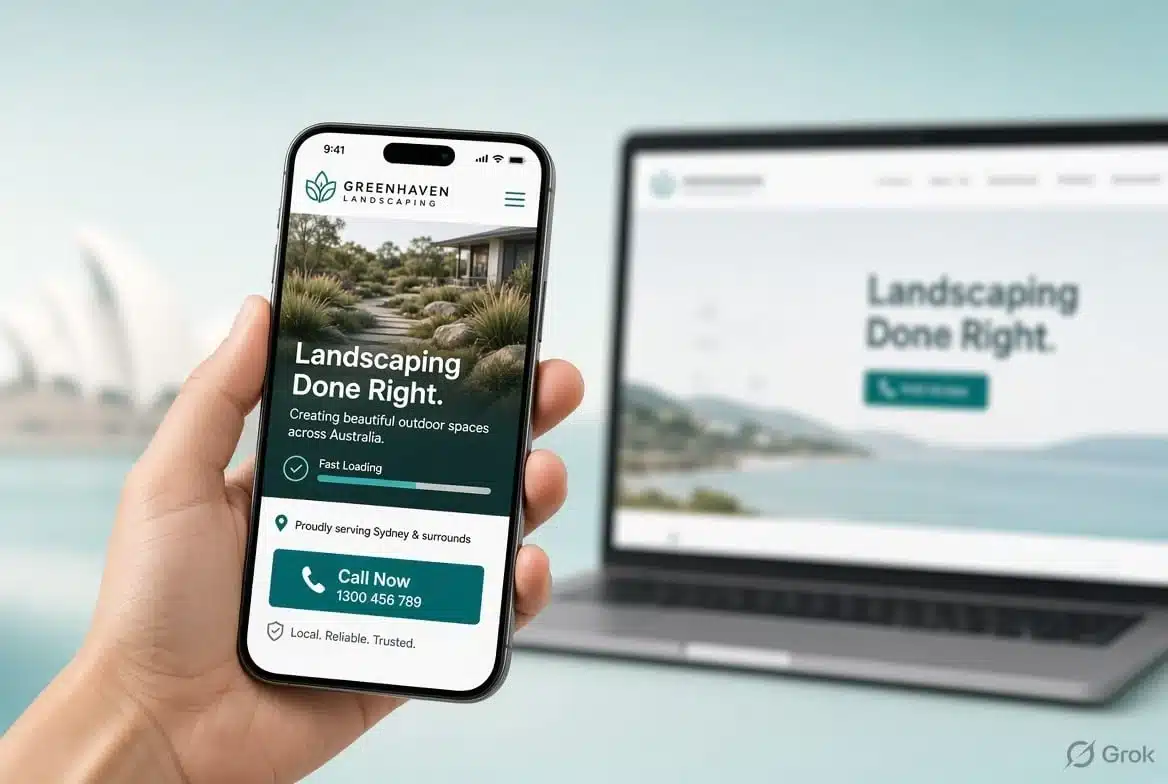
What Is Mobile-First Web Design and Why Does It Matter in 2026?
Mobile-first web design means designing for the smallest screen first and adding space and features as the screen gets bigger. It matters because Google judges your site by its mobile version, and for most local businesses the phone is where the first visit happens.
People often mix this up with responsive design. Responsive is the technique: a layout that flexes to fit any screen. Mobile-first is the priority order. You decide what a phone visitor needs, build that properly, then let the desktop version grow around it. Do it the other way round and you spend your time hiding things on small screens, which is how you end up with the tweezers-only menu.
It also forces honest decisions. A phone screen holds one headline, one image and one clear button. If you can’t say what you do, where you do it and how to reach you in that space, a wider screen won’t rescue the page. In my experience the sites that go through that exercise tend to convert better.
Does Google Really Rank My Website Based on Its Mobile Version?
Yes. Google crawls and indexes the mobile version of your pages, so what shows on a phone is what Google reads, ranks and displays. This is called mobile-first indexing, and it applies to virtually every site now.
If something exists on desktop but not on mobile, then as far as Google is concerned it doesn’t exist. These are the usual offenders:
- Trimmed content: paragraphs cut from the phone layout to “tidy things up”.
- Smaller menus: service pages linked on desktop but missing from the mobile menu, which weakens your internal linking.
- Missing extras: schema, headings or alt text that only load on the desktop template.
The check takes two minutes. Open Google Search Console, run a URL Inspection on your most important page and look at the crawled version. If a section you care about isn’t there, fix that before anything else. It’s also the foundation of proper search engine optimisation work.
Which Core Web Vitals Matter Most for a Small Business Website?
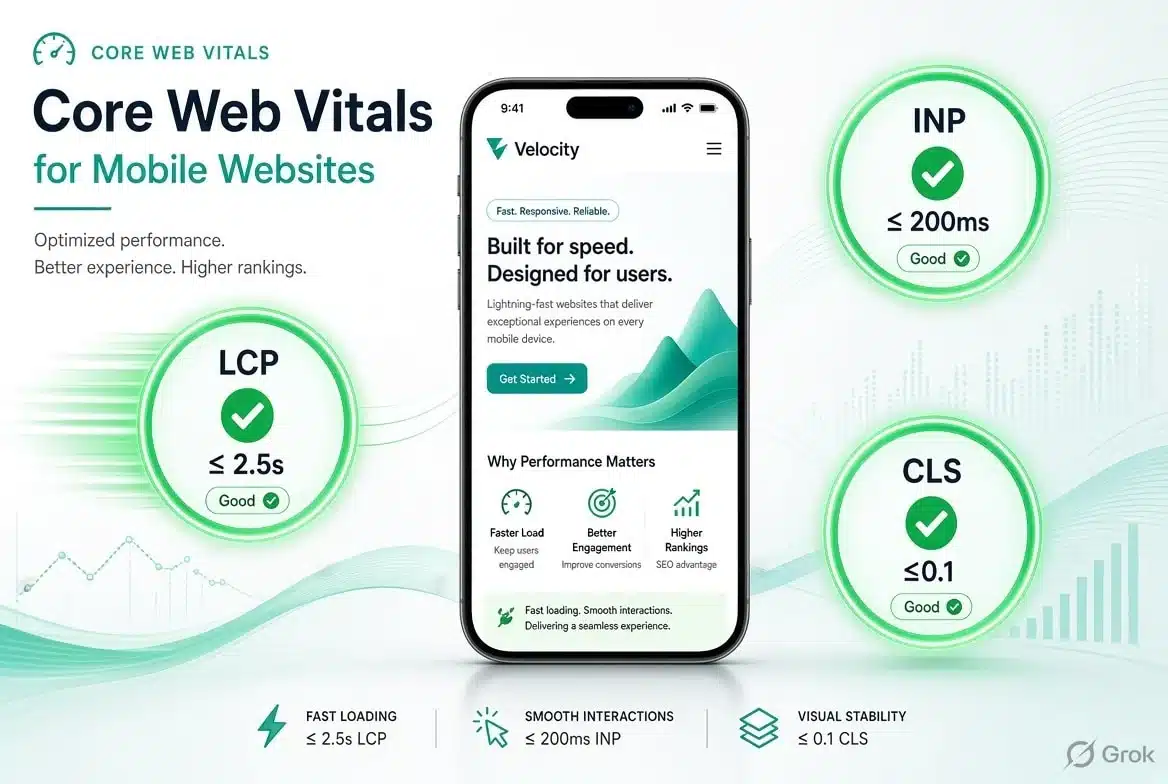
Three do: Largest Contentful Paint (LCP) for loading, Interaction to Next Paint (INP) for responsiveness, and Cumulative Layout Shift (CLS) for visual stability. A page counts as “good” when at least 75% of real visits hit the target on all three.
| Metric | What it measures | Good | Poor |
|---|---|---|---|
| LCP | How quickly the main content appears | 2.5 seconds or less | Over 4 seconds |
| INP | How quickly the page reacts to a tap | 200 ms or less | Over 500 ms |
| CLS | How much the layout jumps around | 0.1 or less | Over 0.25 |
Those targets come from Google’s web.dev documentation and apply to phones and desktops alike. That’s a bit unfair, because a phone on a patchy connection has a much harder job.
What is a good Largest Contentful Paint score on mobile?
2.5 seconds or less. LCP is the time it takes for the biggest thing on screen, usually your hero image or main headline, to appear. On most small business sites that one element decides everything. If it’s a 2 MB photo or a slider that loads images with JavaScript, you’ll fail no matter what else you do.
What is a good Interaction to Next Paint score?
200 milliseconds or less. INP measures how long the page takes to respond after someone taps, types or opens a menu. It replaced First Input Delay in 2024 and it’s tougher, because it looks at the slowest interaction of the whole visit, not just the first tap. Heavy scripts and chat widgets are the usual culprits.
What is a good Cumulative Layout Shift score?
0.1 or less. CLS scores how much your page jumps around while it loads. You know the feeling: you go to tap “Call now”, an image loads above it and you hit the wrong button. That’s layout shift, and it’s maddening on a phone.
Do Core Web Vitals Actually Affect My Google Rankings?
Yes, but less than many agencies will tell you. Google itself describes page experience as a minor signal, closer to a tiebreaker, and relevant, helpful content still wins.

So why bother? First, tiebreakers matter when you’re up against three other local businesses with similar content. Second, and this is the bigger one, speed shows up in your enquiries long before it shows in your rankings. A slow, jumpy page loses people at the exact moment they’re ready to ring you.
One of our clients, Barista Buddy, was held back by a slow, outdated website. We built them a faster one and sales rose by 72%. Design, content and offers all played a part, so I wouldn’t promise anyone those numbers, but speed was in the mix.
There’s a newer reason too. Many AI crawlers don’t run JavaScript the way a browser does, so a lean page with its main content in plain HTML is easier for them to read and quote. Whatever you fix, track the results with the numbers in our guide to the most important website metrics to track.
What Are the 7 Proven Fixes That Move the Needle Most?
Fix your hero image, tame third-party scripts, stop layout shift, sort your hosting, make calling you effortless, trim page-builder bloat, and test properly. In my experience those seven close most of the gap between a failing mobile site and a passing one, and none of them need a rebuild.
1. How do you fix a slow hero image on mobile?
Serve it at the size the phone needs, in WebP, and don’t lazy-load it. That image is usually your LCP element, so it should be the first thing the browser fetches, not the last. Give it a high fetch priority, use responsive sizes so a phone isn’t downloading a desktop banner, and think twice about sliders. A slider loads several big images and scripts to show you one. A single strong image almost always wins.
2. Why do chat widgets, pop-ups and tracking tags hurt mobile speed?
Because each one runs JavaScript that competes with your visitor’s taps, and that’s what wrecks INP. List every third-party script on your site (chat, analytics, ad pixels, review badges, booking widgets) and ask what each one earns you. Delay the ones you keep until after the visitor interacts, and delete the rest.
3. How do you stop a page jumping around while it loads?
Reserve the space before the content arrives. Put width and height on every image and video embed so the browser holds a gap for them. Do the same for cookie banners, promo bars and review widgets, which love to shove everything down after the page has painted. These fixes are small and boring, and they’re how most sites get CLS back under 0.1.
4. Is your hosting slowing down your mobile site?
Possibly, and it’s the fix people skip because you can’t see it. If your server takes a second to respond before anything starts loading, no amount of image tuning gets you to 2.5 seconds. For an Australian audience, host in Australia or put a CDN with local locations in front of the site. Our explainer on the benefits of a CDN shows how that works.
5. How do you make your phone number impossible to miss?
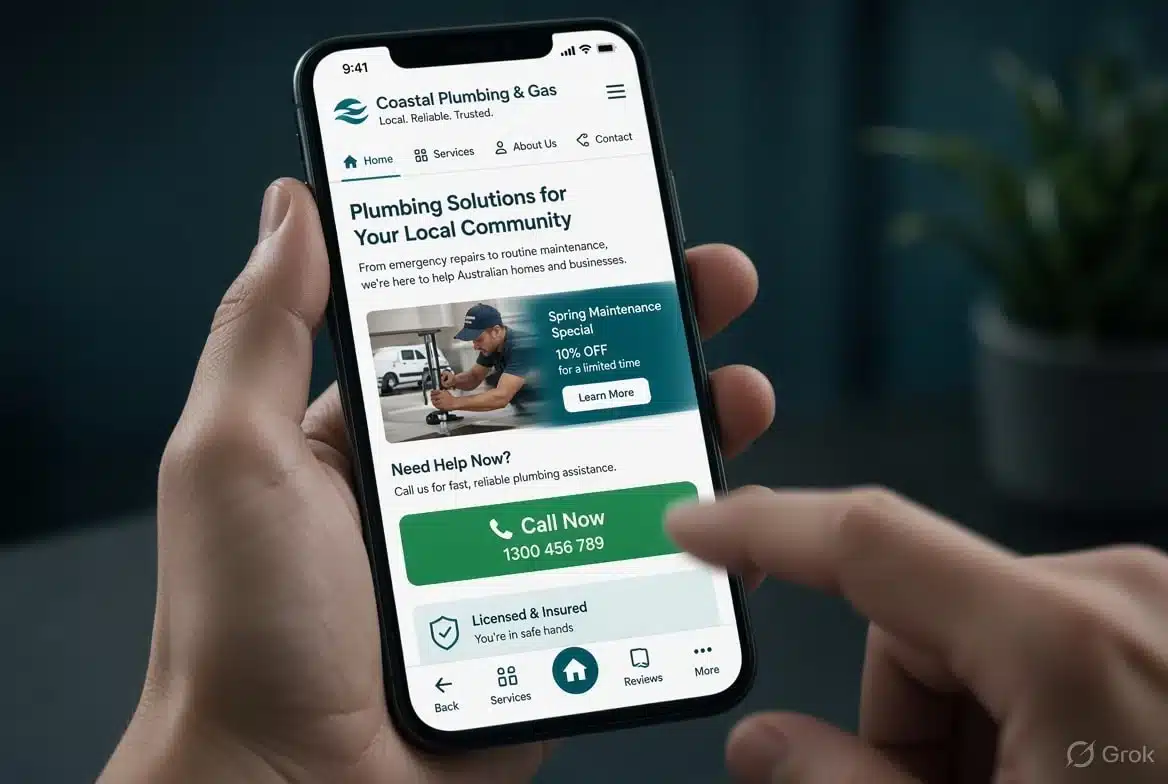
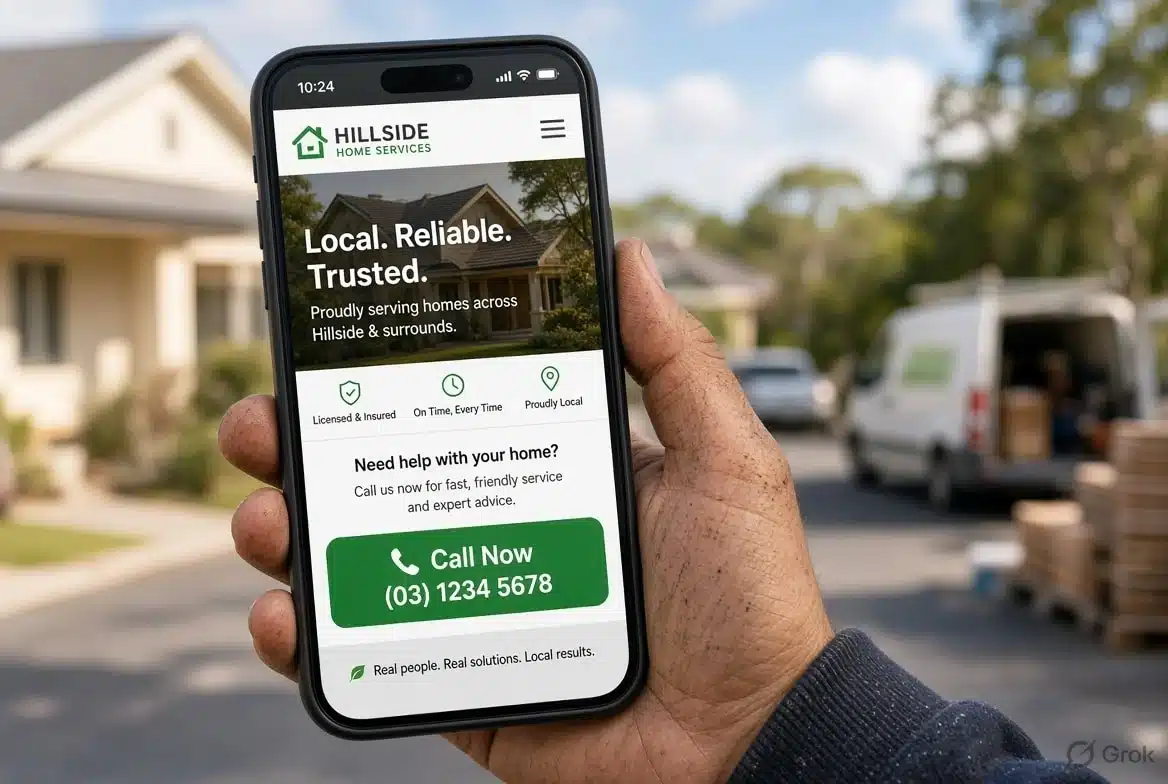
Keep it one tap away on every screen. Most mobile visitors to a local business want to call, get directions or book, so a tap-to-call button in the header or a slim sticky bar does more than another design flourish. Use a proper phone link so it dials on tap, keep forms to the fields you really need, and set the right input types so a phone field brings up the number pad.
6. Is your page builder making your mobile site heavy?
Often, yes. Page builders such as Elementor are flexible, but every extra container, widget and nested section adds code a phone has to process. I regularly see pages with over a thousand elements for what is really a headline, three icons and a button. Use fewer, simpler sections, stick to a couple of fonts and switch off widgets you never touch. For the wider checklist, our 30 website optimisation tips go through the rest.
7. What is the easiest way to check your mobile Core Web Vitals?
Run your key pages through PageSpeed Insights, then open the Core Web Vitals report in Search Console. They show different things, and people confuse them. PageSpeed Insights gives you lab data from one test, plus real-visitor data when traffic is high enough. Search Console reports real-visitor data over a rolling 28-day window, which is what Google actually uses. A lab score of 95 means little if the real-visitor data is red.
Our roundup of the best website performance testing tools compares the options. Retest after every plugin install, banner or design tweak, because that’s when things quietly break.
How Do Australian Conditions Change Mobile-First Web Design?
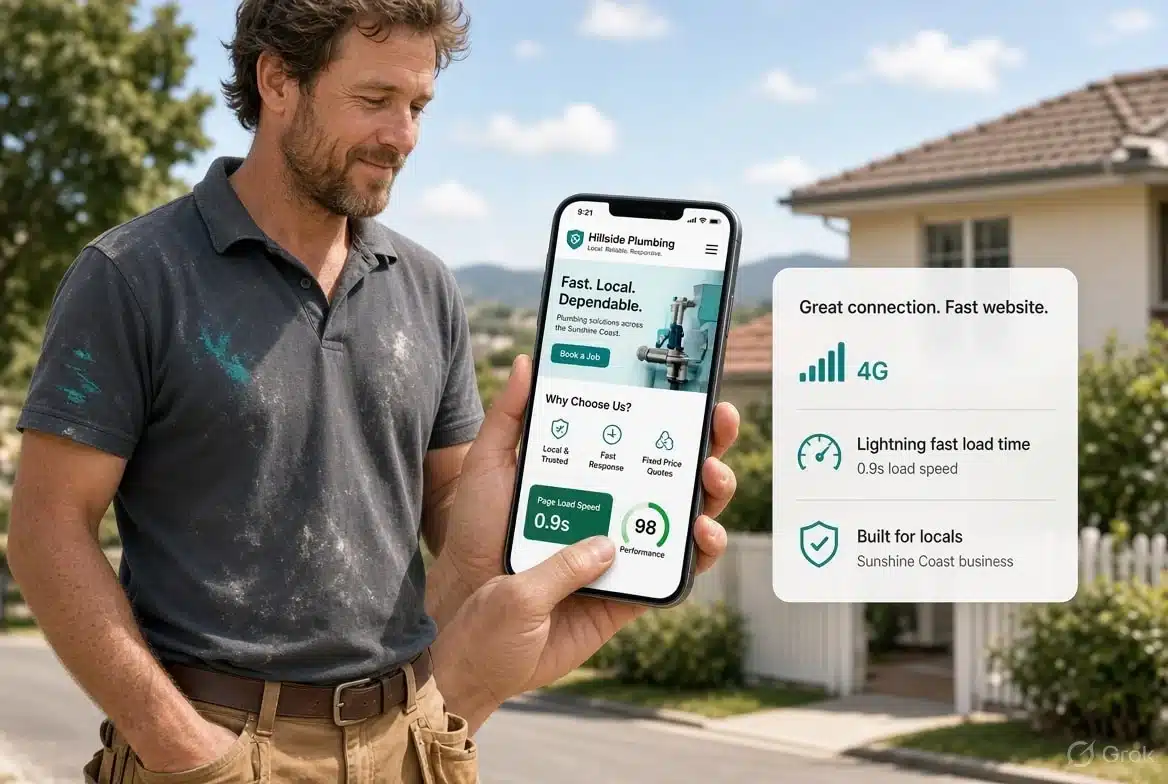
They raise the bar for speed. Your customers range from someone on 5G in the Melbourne CBD to a visitor on a patchy regional connection, and your site has to work for both.
Mobile-first web design in Australia means building for the slower end of that range. Test on a mid-range Android over a throttled connection, not just your own flagship phone on office wifi. Then think about who’s searching: a tradie on a job site, a parent between school pickups, a tourist hunting for dinner. They’re short on time, and they often arrive from a Google Maps listing, so they’re one tap from the next result if your page stalls. Put your suburb, hours, phone number and address in plain text near the top, not inside an image.
What Does Mobile-First Web Design Cost in Australia?
Less than most owners expect. At Diverse Website Design, a custom-designed, mobile-responsive website starts from $995, and an online store starts from $1,495 including your first 10 products.
Design takes about two days, then the build takes 7 to 10 days once you approve it. Hosting is free for the first 3 months, then $15 a month plus $99 a year for the SSL certificate, or you can host anywhere you like, and you own the site outright. The cheaper mistake is paying for mobile-first web design once, up front, rather than retrofitting it onto a bloated site later. Have a look at our website design packages, or our eCommerce website design if you sell online.
Frequently Asked Questions About Mobile-First Web Design
Is mobile-first web design the same as responsive design?
No. Responsive design is the technique that lets a layout adapt to any screen, while mobile-first web design is the approach of planning and building for the phone first. Most mobile-first sites use responsive techniques, but a responsive site isn’t automatically mobile-first.
How fast should my website load on a phone?
Aim for your main content to appear in 2.5 seconds or less, measured on real visits. If a lab test says 1.5 seconds but your real-visitor data says 4, trust the real-visitor data.
Will Elementor or another page builder hurt my Core Web Vitals?
It can, but it doesn’t have to. Page builders add weight, so keep pages simple, avoid sliders and heavy animation, and use caching. A lean Elementor page will beat a sloppy hand-coded one.
How long does it take for Core Web Vitals improvements to show in Google?
Usually about a month. Google’s real-visitor data is a rolling 28-day window, so a fix made today only gradually replaces the old numbers. Lab tools update straight away, so use them to confirm the fix worked.
Do I need an app instead of a mobile website?
Almost certainly not. For most Australian small businesses a fast mobile site does the job, because customers can find it through search without installing anything. An app only makes sense when people will use your service repeatedly, such as ordering or loyalty rewards.
Does mobile-first web design help my site appear in AI search results?
It helps. Fast pages with clear headings, direct answers and main content in plain HTML are easier for AI crawlers and Google’s AI Overviews to read and quote. Adding structured data such as FAQ and article schema improves your odds further, though nothing guarantees a citation.
Ready to Get Mobile-First Web Design Right for Your Business?
If your site feels slow on your own phone, your customers have noticed too. Tell us about your business and we’ll come back with a clear price and timeframe. Contact Diverse Website Design for a free quote, or call us on 1300 661 518.